Web · · 6 min read
Rebuilding my portfolio with Next.js and GSAP
Moving a one-file site to Next.js without losing its animations: a hydration mismatch, a clipped font, a drifting ball and 159 MB of silent video.
In short
I moved this site from one hand-written HTML file to Next.js so I could add projects, case studies and notes without copying blocks of markup. The GSAP animations came along, but not by copy-paste: each one had to be rewritten to live inside React. Along the way I hit a hydration mismatch, a font that got clipped, a ball that drifted off its path, and 159 MB of silent video.
The old version of this site was a single index.html, a long script.js and GSAP loaded from a CDN. It looked the way I wanted, and the scroll animations were the part I was proudest of. But every new project meant copying about sixty lines of HTML and renumbering everything, and there was nowhere to write anything longer than a card.
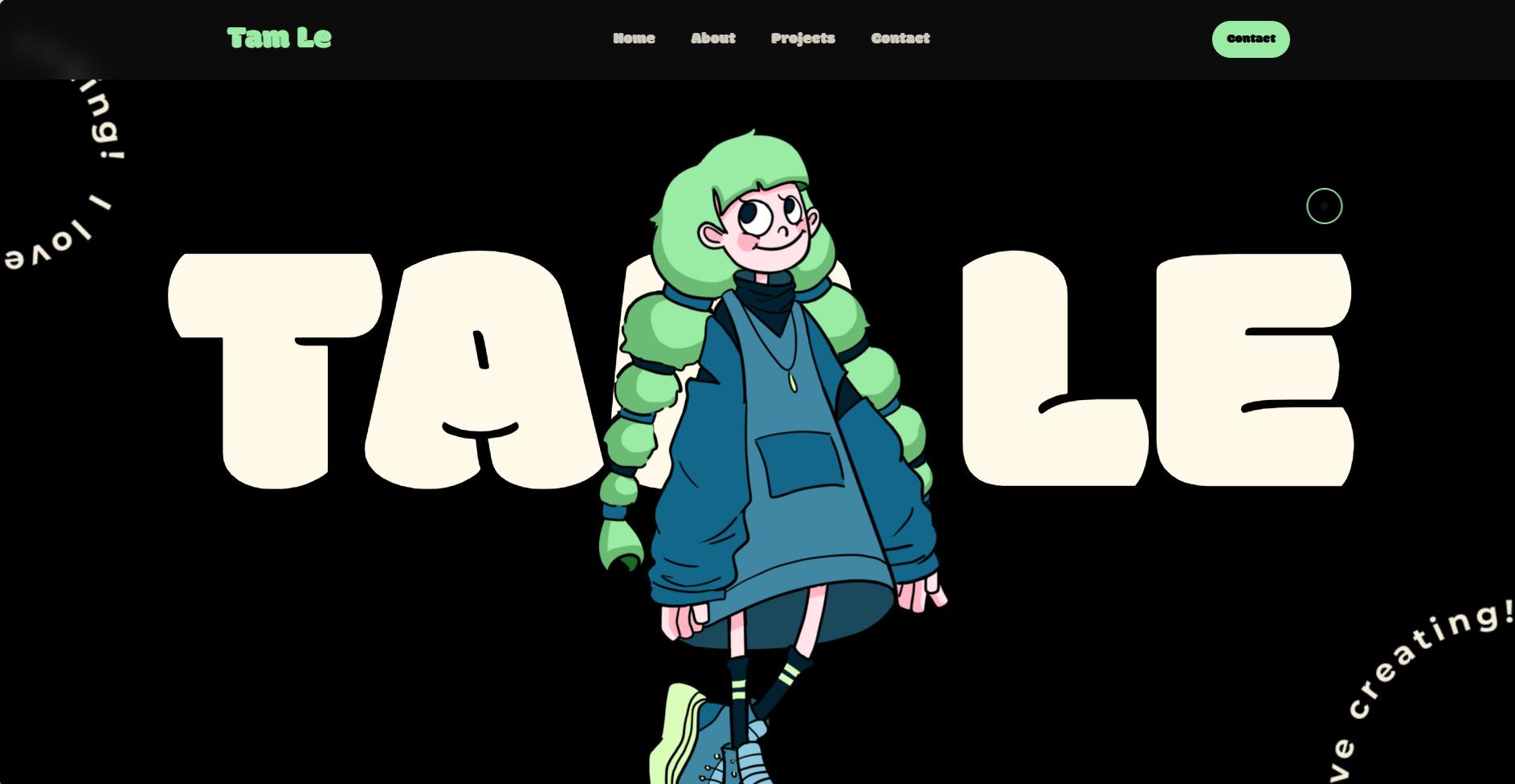
So I rebuilt it on Next.js, with one rule: keep the look. Black, mint and cream, the Modak headlines, the pinned horizontal scroller, the dot grid in the footer. Here's what that took.
Content became data
The biggest change isn't visible. Every project is now an entry in one file, with its title, stack, awards and links. The home page, the projects grid, the case study pages and the awards list on the experience page all read from it. A longer case study is an optional MDX file next to it, and notes like this one work the same way.
Adding a project used to mean editing HTML in three places. Now it's one object.
Animations don't survive copy-paste
The old script ran everything inside DOMContentLoaded. In React that event has already fired, components mount and unmount, and in development every effect runs twice. Copying the code over would have stacked duplicate ScrollTriggers on top of each other.
Each animation moved into the component it belongs to, wrapped in useGSAP so it cleans up after itself, and inside a matchMedia check so people who turn on reduced motion get a calm page:
useGSAP(
  () => {
    const mm = gsap.matchMedia();
    mm.add("(prefers-reduced-motion: no-preference)", () => {
      // tweens and ScrollTriggers for this section only
    });
  },
  { scope: root },
);
Don't touch the DOM before React does
The first version threw a hydration warning on every load. ScrollSmoother can add parallax to anything with a data-speed attribute, and it does that by scanning the page and rewriting those elements. It was rewriting my hero photo before React had finished hydrating it, so the HTML from the server no longer matched what React expected.
I turned that scan off and gave the photo its own small ScrollTrigger inside the hero component. Same effect, and it only runs once React owns the element.
My font was too tall for its own line
The hero title reveals letter by letter: each word sits in a mask and the characters slide up into it. Modak is a chunky font, and at a tight line height its glyphs are taller than the line box. The masks clipped the top of the H and the bottom of "Tam!".
The fix was two small things: give the masks some room above and below (with a negative margin so nothing moves), and remove the split once the intro finishes, so the title goes back to being plain text.
.hero-word-mask {
  padding-block: 0.2em;
  margin-block: -0.2em;
}
The ball that wouldn't stay on its line
Under the hero there's a curved line that draws itself as you scroll. Something rides along it, and at first that something was a ball that sat about 180 pixels away from the line.
MotionPath's align option works out positions on screen, and ScrollSmoother was busy moving the page while it measured. Since the line and the ball live in the same SVG, they already share coordinates, so I dropped align and let the ball follow the path's own numbers. It locked on.
Then I replaced the ball with a paper plane that loops through the curl in the line, and made the cursor a tiny paper plane too. The nose sits exactly on the pointer, so clicking stays precise.
Next.js 16 has opinions
This site uses Cache Components, which prerenders as much as it can. A few habits from older Next.js didn't fit:
dynamicParams = falseisn't allowed anymore. Unknown project slugs callnotFound()instead.generateStaticParamsmust return at least one entry, which is awkward for a notes section with zero notes. Until this post existed, a placeholder slug kept the build happy.- Open Graph images that read font files at request time are blocked, so every share image is now rendered at build time.
159 MB of silence
The demo videos from the old site were 1080p screen recordings with an audio track. I checked the audio: all four were completely silent. Dropping the track, scaling to 1280 pixels wide and re-encoding took them from 159 MB to 13.5 MB, and a side-by-side frame comparison showed no visible difference.
What I'd tell my past self
- Treat content as data from day one. The layout will change; the list of projects won't.
- Animate inside components, not over the whole page. Cleanup is part of the animation.
- Test with reduced motion turned on. It finds hidden elements that never get revealed.
- Check your media before you ship it. Nobody needs a soundtrack of silence.
The site is still mine to keep shaping. The difference is that adding the next project, or the next note, is now a few lines instead of an afternoon.
Related projectThis PortfolioRead case study →